Rank tracking for agencies that report clicks, not just positions
Track every client site from one account, with each client's Search Console beside its rankings. Daily checks across the full top 100, competitor tracking and PDF reports, at a price that works for a small agency or a freelancer.
Free for 30 days, no credit card needed. Paid plans cancel anytime.
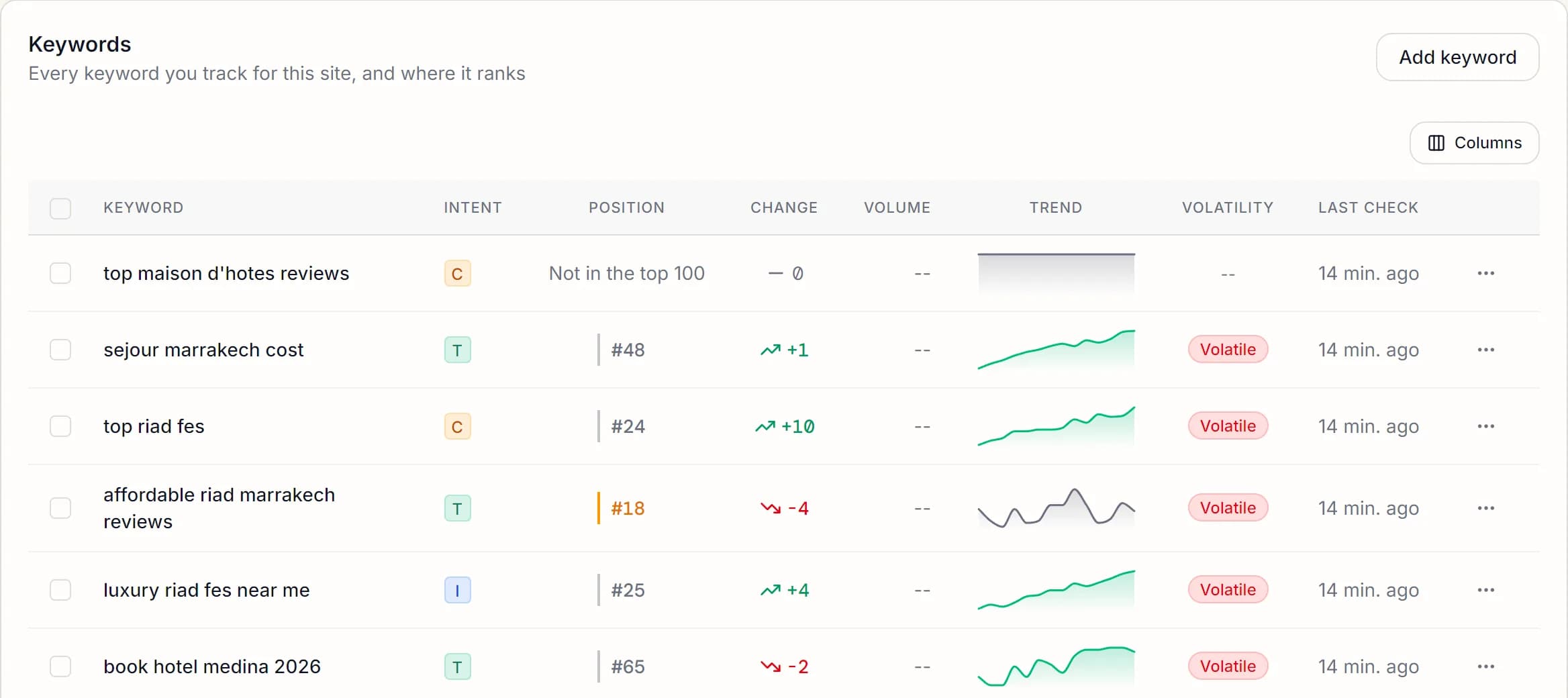
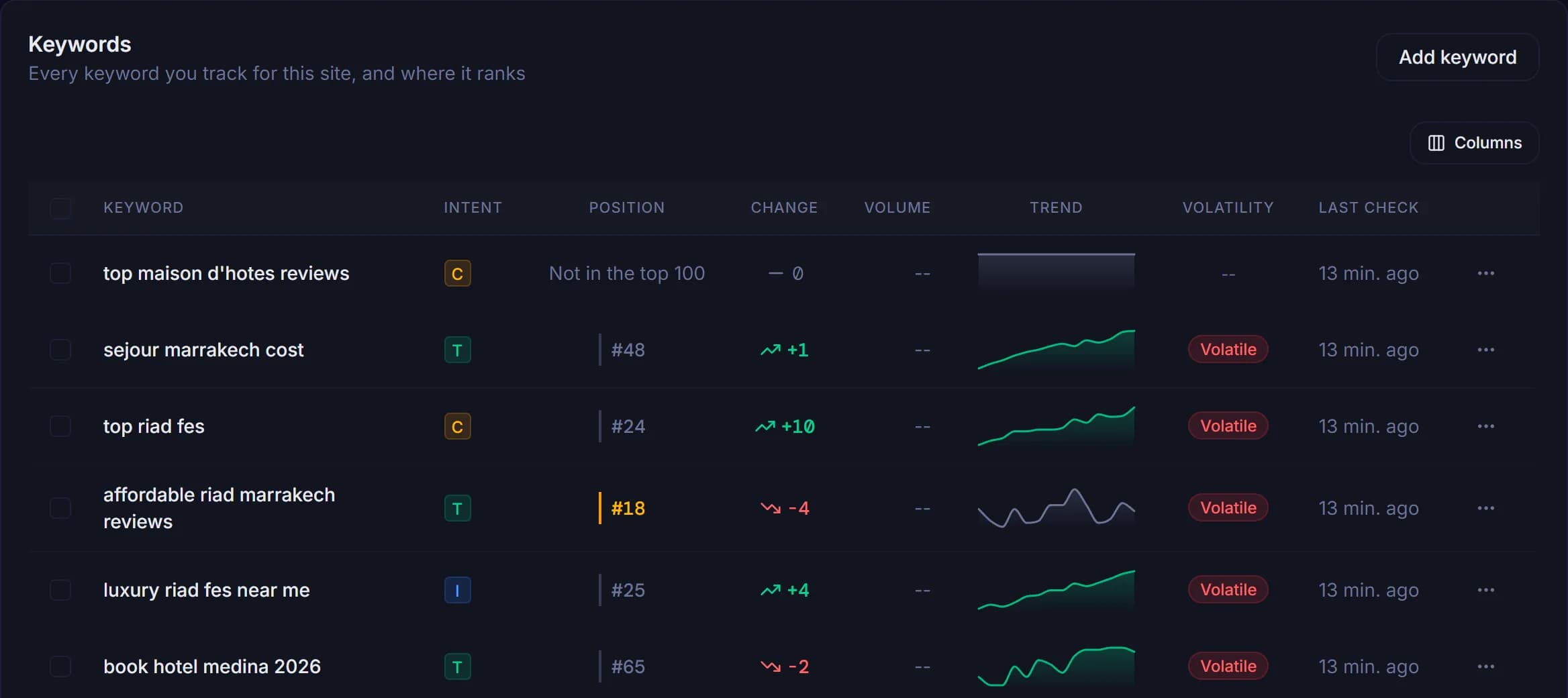
Answer the questions clients actually ask
Clients rarely ask for a position. They ask whether SEO is working. Each answer below comes from data SEOWren already has for the client's site.
"Did we get more visitors?"
Search Console clicks and impressions for each client's site sit beside the rankings you track, so the monthly answer is about visitors, not only positions.
"What should we do next?"
The queries close to page one and the click-earning searches you are not tracking yet turn into next month's work, with numbers attached.
"Why did we drop?"
Competitor tracking and share of voice show who took the positions a client lost, keyword by keyword.
Everything set up per client
One account, one project per client site, each with its own market and its own Google data.
- One project per client
- Unlimited websites on every plan, each with its own country, language and device.
- Their Google data, not yours
- Link each project to the client's own Search Console and, from the Grow plan, Google Analytics. Read-only, and removable at any time.
- Daily checks and alerts
- Every client keyword is checked daily, anywhere in the top 100, with email and in-app alerts when one moves.
- Competitors per client
- Track each client's competitors and their share of voice on the client's keywords, from the Grow plan.
- Site health
- Domain authority and page speed for each client site, so you can spot a technical problem before a client does.
- Reports to send
- PDF reports from the Grow plan, CSV export, and a monthly summary by email.
What it costs per client
The Scale plan costs $50 a month for 250 keywords, spread across as many client sites as you like. Shared between ten clients, that is $5 a client each month for 25 keywords.
Compare the plans to see what each one includes.
Adding a client takes three steps
- 1
Add the client's site
Create a project with the client's domain, country, language and device.
- 2
Connect their Search Console
Ask the client to add your Google account as a user in Search Console, then link their property to the project.
- 3
Add their keywords
Add keywords by hand, upload a CSV, or import the queries that already bring the client clicks. Their positions appear after the first check.
For freelancers too
If you look after a handful of client sites on your own, the same setup works at a smaller scale: each client gets a project, their own Search Console data and a report you can send, and you start on the smallest plan and move up as you take on clients.
What SEOWren does not do yet
Better to know now than after you have moved ten clients over.
- No white-label reports yet: PDFs carry SEOWren's layout.
- One login per account: no team seats or client logins yet.
- PDF reports are in English.
- The largest plan covers 250 keywords across all your client sites.
See how SEOWren compares with agency rank trackers if you need more.
Questions from agencies and freelancers
Yes. Every paid plan includes unlimited websites. Your plan's keyword allowance is shared across all of them, so you decide how many keywords each client gets.
Yes. Link each project to that client's own Search Console property. Your Google account needs access to it, so ask the client to add you as a user in Search Console. Access is read-only, and you can do the same for Google Analytics from the Grow plan.
Download a PDF report for a client's project, from the Grow plan, or export its rankings as CSV. The PDF covers a performance summary, the ranking distribution, the biggest gains and drops, and every keyword with its current, best and average position.
Not yet. Each account has one login, and reports carry SEOWren's layout rather than your brand. You send clients the PDF or CSV report yourself.
Yes. Each project has its own country, language and device, so a client in France and a client in Canada are tracked in their own markets from the same account.
Start with one client
Add your first client site, connect its Search Console and see its rankings tomorrow morning.
Free for 30 days, no credit card needed. Paid plans cancel anytime.